Keep one brand mascot in every explainer video

"Which AI video tool actually keeps a character consistent across scenes?" Someone asked that on r/AI_UGC_Marketing(opens in new tab), and across scenes is the easy half. Across a series of videos it gets harder.
If your explainers come back with a different hero every time, your prompt isn't the problem. Each video starts from a blank page, so a description like "a friendly notebook with a pencil" gets drawn fresh, a little differently, every time. Five videos in, the series looks like five brands.
Clipwright.io fixes this with a mascot. The first explainer draws your hero; the video saves it to your assets; every video after that names it with one field and gets the same hero back, already drawn. This guide walks through the whole loop, from picking the hero to making it the brand default.
What a mascot is in Clipwright.io
A mascot is the hero of a faceless explainer, saved so you can use it again. An explainer is a drawn cartoon video your agent asks for with make_faceless and format: "explainer": one narrator, something happening on every phrase, and a hero in the corner who presents the steps and changes pose with the lines. It points at step one, shrugs at the problem and celebrates the result.
The hero comes from one of two fields:
character_details: a text description, such as "a cheerful round paper notebook with stubby arms, big friendly eyes and a pencil tucked behind one ear".character_reference: a public link to a picture of the character.
If you name neither and haven't set a default mascot (Step 5), the video uses our own hero, at no charge for the hero. You'd only make a mascot when you want a hero of your own.
Step 1: Pick a hero that means something
By the end of this step you'll have a one- or two-sentence description of your hero.
Choose the hero by meaning, one per video, from one of three places:
- The product. A note-taking how-to gets a notebook; a coffee brand gets a mug.
- The audience. Who watches, and what would they trust to explain this to them?
- The reels that took off on the topic. Ask your agent to run
find_trendsfirst: it returns reels that did well on your topic, with views and how far each beat its creator's usual. If the winners share a kind of character, that tells you something.
If your brand already has a character, skip the search and describe that one.
Write the description as fixed visual details: shape, colours, one or two props, the drawing style. Every pose is drawn from that text, so "flat cartoon style, warm teal and cream colours" gives the drawing more to hold on to than "cute".
Step 2: Make the first explainer, the one that saves the mascot
By the end of this step the mascot exists in your assets.
Explainers take a script, not a brief. Write it as a hook, three to five concrete steps and a result, then tell your agent:
Make a 40-second explainer from this script, 9:16. The hero is a cheerful round paper notebook with stubby arms, big friendly eyes and a pencil tucked behind one ear, flat cartoon style, warm teal and cream colours. Quote it first.
Your agent turns that into a quote_faceless call:
1{
2  "input_mode": "script",
3  "format": "explainer",
4  "duration_seconds": 40,
5  "script": "Your meeting ended twenty minutes ago, and nobody knows who's doing what. Here's how to turn raw notes into action items in four steps. First, paste your notes into the chat...",
6  "character_details": "A cheerful round paper notebook mascot with stubby arms, big friendly eyes and a pencil tucked behind one ear; flat cartoon style, warm teal and cream colours."
7}
Read the quote before you say yes. It's free, and a named hero adds one line: "Hero pose pictures, at most 9 × 7 = 63". The hero is drawn in nine poses (up, palm, point, celebrate, surprise, think, shrug, wink and neutral), at 7 credits each, and you pay only for the poses that make it into the delivered video. A video that fails costs nothing. The other lines are the seconds of the video and the scenes drawn for it; a scene is charged only when the finished video shows it. Prices change, so take today's from the quote or the price list(opens in new tab).
Then your agent calls make_faceless with the same fields. When the video is delivered, the hero is saved as a mascot.
Step 3: Find the mascot
By the end of this step you'll have the mascot's asset_id.
From your agent, ask it to call list_assets with mascot: true. Each mascot comes back as an image asset with role character, a name taken from the start of its description, and a mascot part with the nine pose names and the full character text. You can rename it with update_asset, which helps once you have more than one.
In the Clipwright.io dashboard, open Assets and pick the Mascots filter. The Saved mascots grid shows each one, with three actions on its card: Set as default, Delete and Copy prompt for your agent.
The dashboard lists, sets and deletes mascots, but it doesn't make them yet. A mascot comes from a delivered explainer, asked for through the API, MCP or your agent.
Step 4: Reuse it in the next explainer
By the end of this step your second video has the same hero, with no new pose pictures.
Tell your agent which mascot to use:
Make the next explainer with the notebook mascot. Quote it first.
Your agent passes the asset id as mascot_id in place of the character fields:
1{
2  "input_mode": "script",
3  "format": "explainer",
4  "duration_seconds": 40,
5  "script": "...",
6  "mascot_id": "ast_9bea7d6ba7204cb798b0d6155a3e35f4"
7}
mascot_id replaces character_details and character_reference, so send it alone. The hero is already drawn, so nothing new is made and the quote has no pose line. Check for that: if the line is still there, the request named a character again.
For a series, that's the point: one brand character in every video, and your agent only needs the id.
Step 5: Make it the brand default
By the end of this step, every explainer that names no hero gets your mascot.
In the dashboard, open Brand. It has three sections: Script voice, Default mascot and Design. Pick the mascot under Default mascot, or press Set as default on its card in Assets.
From then on, an explainer that names no character uses the default without your agent asking. A request that names a character or passes another mascot_id still gets the hero it asked for. Our own free hero now only appears when there's no default and no character in the request.
The run behind this guide
Both videos below came from the steps above.
The first is an explainer about turning meeting notes into action items, with the notebook described in character_details. It runs 36.9 seconds. The notebook shrugs at "nobody knows who's doing what", points at each of the four steps and holds its cheeks when the result lands. It was charged 548 credits, its poses included, and the notebook was saved as a mascot.
The second covers the same four steps in different words, with mascot_id and no character fields. It runs 36.2 seconds, and it's the same notebook down to the pencil behind its ear. No pose pictures were made, and it was charged 505 credits.
Common mistakes
Asking for an explainer from a brief. The explainer format takes a script only, and a brief is refused before anything is charged: "format explainer needs input_mode script: write it as a hook, three to five steps and a result". Ask your agent to write the script first, then send it. The same goes for mascot_id, which works with a script only.
Sending mascot_id with a character description. The mascot replaces the character fields. Leave character_details and character_reference out, or you're asking for a new hero.
Looking for a "new mascot" button in the dashboard. There isn't one today. Make the first explainer through your agent; the mascot appears in Assets once the video is delivered.
A vague description. "A cute mascot" leaves almost everything about the hero to chance. Name the shape, the colours, one or two props and the style, and keep that text: it's what the first video draws from.
A new character for every video in a series. Picking a hero per video makes sense for one-off videos. For a series, pick once and reuse the mascot, or the videos stop looking like they belong together.
FAQ
Does a mascot cost anything to reuse?
No pose pictures are made or charged when you pass mascot_id. You pay for the rest of the video as usual: its seconds and the scenes drawn for it, as the quote shows.
Can I have more than one mascot?
Yes. Each explainer you make with a new character saves its hero, so you can keep one per product or per series. Rename them with update_asset so your agent can tell them apart, and set one as the brand default.
Does the default mascot override a character I name?
No. The default only fills in when a video names no character. A request with character_details, character_reference or another mascot_id gets that hero.
Can I use a mascot in a presenter video?
A mascot is the hero of the explainer format. For a talking presenter, see the one-brief ad guide, and for what a presenter can do on screen, the live shots guide.
Where do the explainer fields live?
In the tool itself: your agent can read the full description of make_faceless with describe_tool, and the same fields are in the API reference(opens in new tab).
Make the first one today
Pick the how-to your audience asks about most, the one you'd explain in four steps. Write the script as a hook, the steps and a result, describe your hero in one sentence, and ask your agent for the explainer with a quote first. When it's delivered, open Assets, find the mascot and press Set as default. If you're running a batch of videos, the UGC ad loop playbook shows how to keep the agent going through a series.
Each new explainer brings a new hero.
A series with a different face every time doesn't read as one brand. Make the mascot once, and every video your agent asks for after that uses it.
Make the first explainerAbout the Author

Founder at Dimantika
Co-founder of Dimantika, the company behind Clipwright.io and ViralFaceless. Builds both with coding agents. Previously ran GlockSoft with a partner for about 15 years. Writes here about handing video production to agents.
View all postsMore articles you might like.
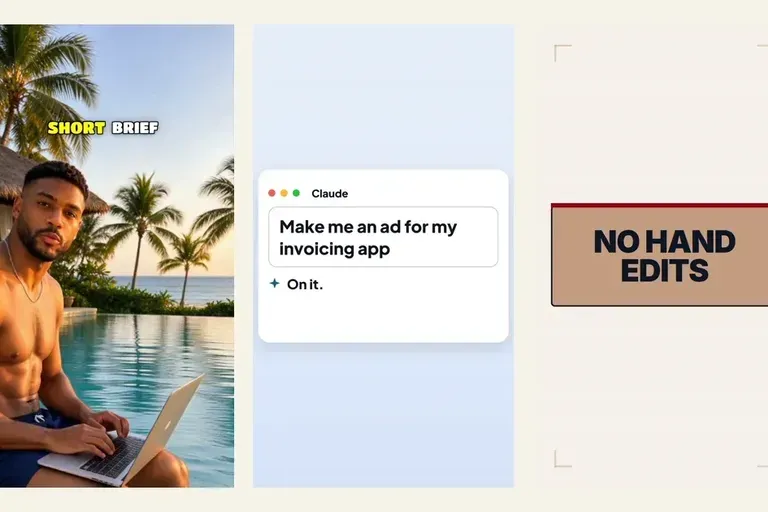
How to create a video ad with AI from one brief
How to create a video ad with AI where you approve every step: a short brief, a reel that took off, a beat plan, your notes, then the price before it runs.
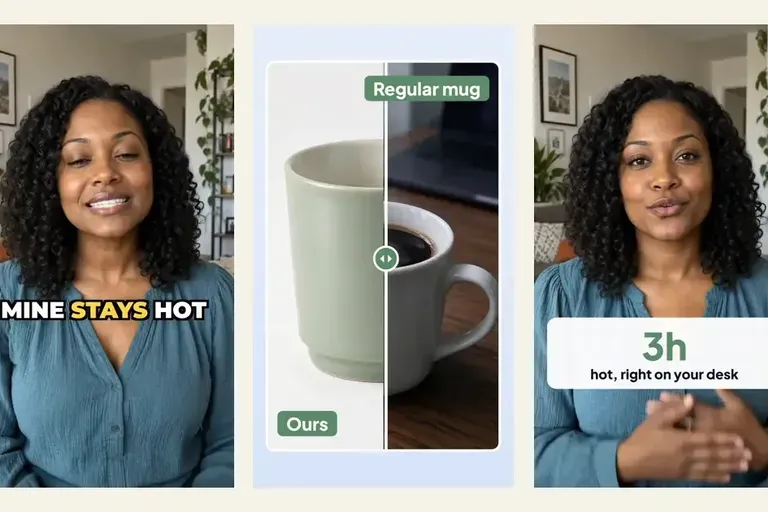
Put the product on screen in your AI UGC video ads
Most AI UGC video ads hand back a talking head and leave the product for an editor. Templates put a before-and-after, a number and an end card on the words that sell, in the same request.
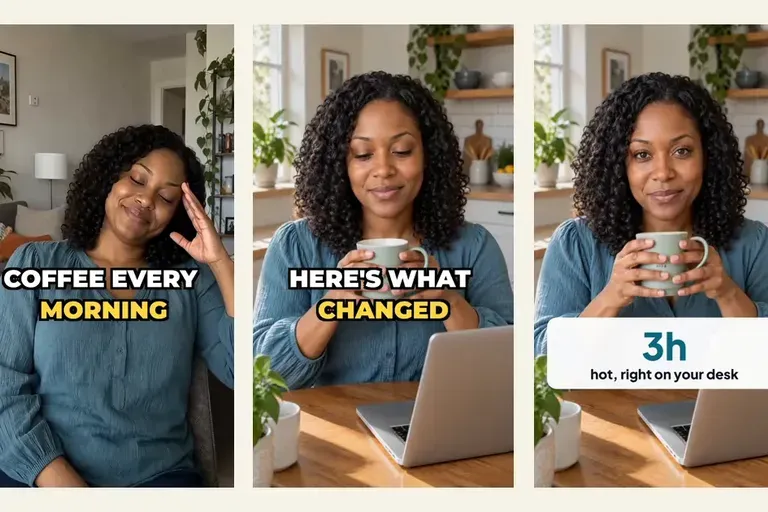
Make your AI UGC actor act, not just talk
An AI UGC ad where the actor only talks reads as generated. Live shots hand chosen words of your script to a take where the actor acts or shows your product.