How to create a video ad with AI from one brief

You typed a sentence into an AI ad tool and got a finished clip back. You never saw the script before the actor said it, and you had no say in the structure. You found out what it cost when the credits were already gone, and if one beat was wrong, the only fix was to run the whole thing again.
This guide won't write your offer for you, and it doesn't skip your review. What it changes is when you get a say: before anything renders, not after. Here is how to create a video ad with AI where an agent does the work and you approve each step, shown on one real ad from brief to MP4.
The ad this guide follows
The ad below is 33 seconds long. A founder at a resort pool says his agent made a whole ad from a short brief. He connects Claude to Clipwright.io, types "make me an ad for my invoicing app", and the screens show the agent's work: the reels that took off, one of them broken down beat by beat, and the price before anything ran.
Everyone in this ad is an AI actor: the founder, the woman at the pool and the presenters in the "Made with Clipwright" grid.
Two notes before the steps. First, the ad compresses the brief into one line. The real run behind its screens started from a short brief, five images of the app's screens and an actor the user had picked, and the agent revised the plan from the user's notes before approving it. That is still one brief, and nobody opened an editor. Second, the ad itself went through the same steps, from a reference reel to an approved plan, with no hand edits.
The steps below follow the run on its screens: an ad for Tallyfold, an invoicing app for freelancers that we made up.
What one brief really contains
A brief that works fits on one screen. It names the product, the buyer, the actor and what must not happen. Everything else the agent finds or asks about.
1Make a 9:16 UGC-style ad for Tallyfold, an invoicing app for freelancers.
2Buyer: a freelancer who loses an evening to invoices every month.
3Actor: Elena (saved actor), her voice is in actors/elena.md.
4Product screens: the five Tallyfold images in my assets.
5Find a reel on this topic that took off, show me the top picks,
6break the one I choose down beat by beat, then write a script
7in Elena's words on those beats. Show me the plan and the quote
8before anything runs. No fake reviews, no discount codes.
The last two sentences matter most. "Show me the plan and the quote before anything runs" turns a black box into a sequence of decisions, and you hold every one of them.
To run this, your agent needs Clipwright.io connected (setup(opens in new tab)). In Claude Code that is one command, claude mcp add --transport http clipwright https://mcp.clipwright.io/mcp, then /mcp → clipwright → Authenticate. Cursor and other MCP clients connect to the same server address.
Step 1: find a reel that took off on your topic
Start from proof, not a blank page. find_trends searches a topic on TikTok and Instagram together and returns up to 10 reels per platform, each with its views set against the creator's median.
That ratio is the point. A big account gets big numbers on an average video. A reel at 31.6 times its creator's median took off because of something inside the video, and that something is what you want to borrow. In the ad the agent's table looks like this, with the creators masked:
| Creator | Views | Against the creator's median |
|---|---|---|
creator A | 46,357 | 31.6× |
creator B | 1,847 | 8× |
creator C | 12,238 | 4.2× |
Creator B has the fewest views and still ranks second. Sorted by raw views, that reel would sit last, behind creator C, whose bigger number is closer to an ordinary day for that account.
Search the way a viewer types, three to seven words. A search costs 20 credits and is charged only when it finds something. The agent prices it with quote_trends before it runs find_trends, and the same query again within an hour answers for free.
Step 2: break the reel down beat by beat
analyze_reference takes the chosen reel's link and returns its structure: each beat with its role and timing, what the camera and the presenter do, the on-screen graphics, the caption style and the voice pace. A breakdown costs 70 credits, charged only when it succeeds.
The reference runs just under a minute. The finished Tallyfold ad keeps the same order of beats in well under half the time.
The analysis also keeps what the reference says, so you can see why it works. Read those lines and leave them where they are. You take the structure and the timing. The words, the brand and the product are yours.
Which raises the obvious worry: does copying a structure make the ad a copy? No more than a three-act film copies every other film. What would make it a copy is the original's lines, its brand or its footage, and none of those leave the analysis.
Step 3: read the plan and leave notes
Your agent writes the script on the reference's beats, in the actor's voice, and plan_reference_remake lays it out as a plan: which line goes on which beat, where the product screens appear, the captions, the music, the end card. Its warnings say up front what it won't reproduce from the reference.
Read the plan like a storyboard. When something is off, say it in plain words:
1No live shots, keep Elena on camera.
2Use our own app screens on the demo lines.
3Add soft music under the voice.
4End on a card: Tallyfold, "Your next invoice is free".
The agent sends your notes back to plan_reference_remake with the plan's id, and the plan comes back as a new revision. Revisions cost nothing, so a note is never a gamble. In the Tallyfold run the agent revised the plan from the user's notes before the user approved it with approve_workflow_plan. Only an approved revision can run.
This step is where a one-prompt tool would have spent your credits. Here, every change happens on paper.
Step 4: see the price before anything runs
quote_workflow_plan prices the approved plan before a single frame renders. The quote lists its parts, and the ad shows them on screen:
| Part | How it's priced | 30-second example |
|---|---|---|
Presenter | 9 credits per second on screen | 270 |
Production | 1 credit per second of video | 30 |
Music | 60 credits per track | 60 |
Scene | 25 credits per scene drawn from your words | 25 |
Total | 385 |
For a presenter video, the quote is an estimate: the charge follows the finished video, measured after it is delivered, so it can land above or below the quote. You see the price before anything runs, and the bill matches what came back. Every rate in the table is in list_prices and on Clipwright.io's price list (pricing(opens in new tab)).
Two things are free in this run: the product screens and the end card. The seconds under the screens still count as presenter time, because the actor is on screen there too.
The quote also carries the exact run request, ready to send. It expires after five minutes, so the agent quotes right before it runs.
Step 5: run it and get the MP4
run_workflow_plan starts the render with the quote's request, and the agent polls get_run until there is a video link. The link works for 7 days, so the agent downloads the file.
This is the ad the Tallyfold run produced. Elena, an AI actor, opens on camera. The app's screens take the top half of the frame on the demo lines, and it ends on Tallyfold's card.
Elena is an AI actor. The file's metadata says the actor, the voice and the lip sync are synthetic.
Nobody edited this video by hand. Every decision a person made was a note on the plan or an approval.
Rules that keep the ad yours
- Take the structure, never the words. The reference's lines, brand and footage stay out of your ad.
- Say it's AI. TikTok requires creators to label(opens in new tab) AI-generated content that contains realistic images, audio and video. Use each platform's AI label when you post. What else the rules ask of AI UGC ads is in this guide(opens in new tab).
- No fake reviews, testimonials or health claims. An AI actor who "has used it for months" is a fake review.
- Watch it before it posts. Clipwright.io hands back a file and posts nothing. Queue it at least a day out, so you can pull anything that's off.
- Give the product one beat. The rest belongs to the person and the problem. More on that in making your AI actor act.
When one ad becomes thirty
One ad tells you the flow works. A campaign needs a hook test: the same product, several actors, a new reference each day. That loop, with a brief file the agent reads before every run and a daily review, is in Thirty hooks by Friday. If your ad needs the product itself on screen, start with the templates guide. If you're a founder who would rather not film launch clips at all, see Clipwright.io for SaaS founders(opens in new tab).
Your next ten minutes: write your own brief in the shape above, connect Clipwright.io to your agent, and ask it for the reels that took off on your topic. You'll see the plan and the price before you spend anything on the video.
FAQ
Can an AI agent make a video ad on its own?
Yes, for every step except your judgment. The agent finds a reel that took off, breaks it down, writes the script, plans the video and quotes it. You approve the plan and the price, and only then does it run. In this run the agent did all the production work and the person left notes and approvals.
Do I edit anything?
No. Changes go in as notes on the plan, in plain words, and come back as a new revision. Nobody opens a timeline editor, and the video comes back finished.
What does a 30-second AI video ad cost?
With a presenter on screen for all 30 seconds, music and one scene, the render quotes 385 credits: 270 for the presenter, 30 for production, 60 for music and 25 for the scene. Finding the reel and breaking it down add 20 and 70, so the whole flow from a topic is about 475. The charge for the render follows the finished video. Every new account gets 420 credits once.
Are the people in these ads real?
No. The founder, the woman at the pool, the presenters in the grid and Elena are AI actors. Label them as AI when you post.
Which agents can do this?
Any MCP client, such as Claude, Claude Code or Cursor, plus the Clipwright.io CLI and the REST API.
See the price before anything runs.
When the bill shows up after the render, every test is a gamble. Your agent shows you the plan and its price first, and the charge follows the finished video.
Ask your agent for the first adAbout the Author

Founder at Dimantika
Co-founder of Dimantika, the company behind Clipwright.io and ViralFaceless. Builds both with coding agents. Previously ran GlockSoft with a partner for about 15 years. Writes here about handing video production to agents.
View all postsMore articles you might like.
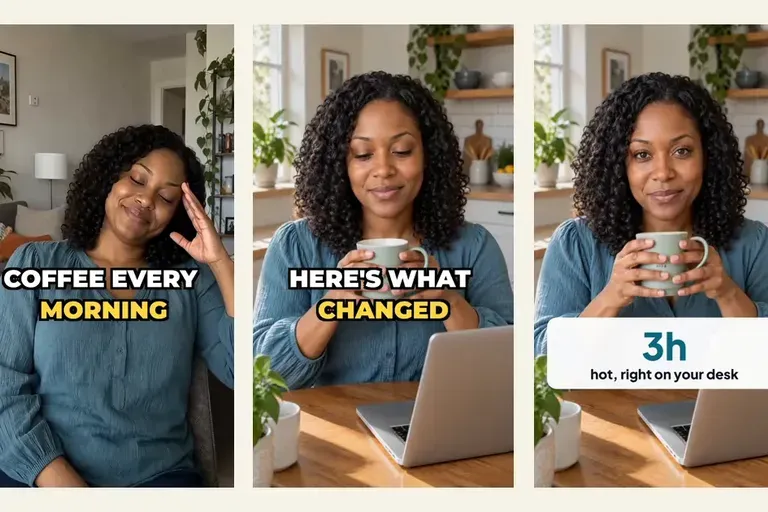
Make your AI UGC actor act, not just talk
An AI UGC ad where the actor only talks reads as generated. Live shots hand chosen words of your script to a take where the actor acts or shows your product.
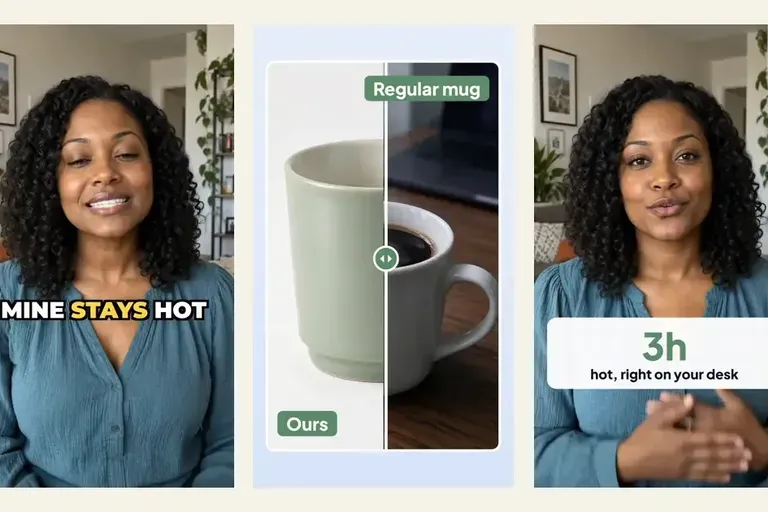
Put the product on screen in your AI UGC video ads
Most AI UGC video ads hand back a talking head and leave the product for an editor. Templates put a before-and-after, a number and an end card on the words that sell, in the same request.
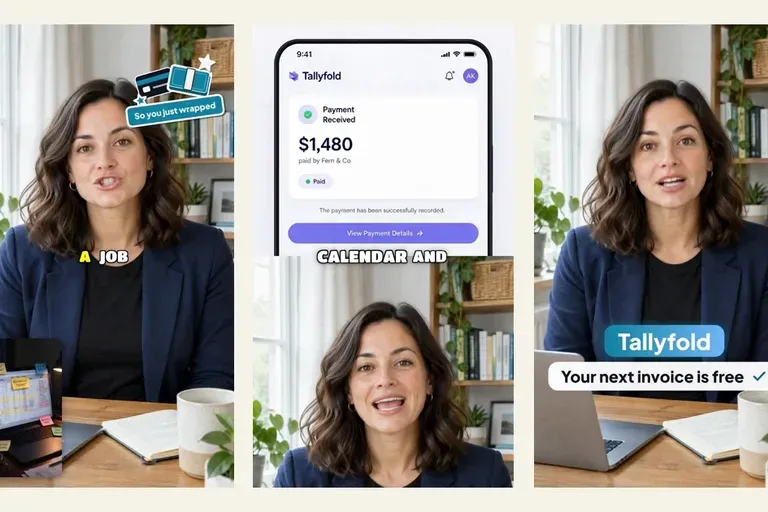
Thirty hooks by Friday: running a UGC ad loop with an agent and Clipwright.io
A UGC ad loop you can hand to an agent: six steps and eight prompts, from buyer segments to a reviewed queue, plus one example run with its quote and charge.