Thirty hooks by Friday: running a UGC ad loop with an agent and Clipwright.io

An agency gets a brief on Monday: thirty new hooks for a skincare client by Friday. The old way is thirty creator briefs, a week of waiting and an invoice per take. When one hook dies, nobody can afford to test the next one.
This is the loop I'd run instead. An agent does the research, the scripts and the renders. Clipwright.io finds the reels that took off, turns each script into a finished MP4 with the same AI actor every time, and quotes it before anything renders. You review a queue once a day.
It's six steps and eight prompts. Copy them.
What you need
- An agent with MCP: Claude Code, Cursor, Codex or anything else that speaks it.
- Clipwright.io connected as a remote MCP server:
claude mcp add --transport http clipwright https://mcp.clipwright.io/mcp, then/mcp→ clipwright → Authenticate. - A way to post, if you want the videos to go out on their own. Clipwright.io renders and hands back a finished file; it does not post anywhere. The agent posts through a scheduler or posting tool you already use, connected to your own accounts, via its MCP or API.
The brief file
The agent reads one file before every run. Write it once.
Prompt 1: brief.md
1You make short UGC-style video ads for [CLIENT / PRODUCT].
2Product: [one line: what it does, who buys it].
3Actors: [name + one line each]. Each actor has a file in actors/ with
4their voice, topics, past scripts and results.
5
6Every run: for each actor, pick a topic, find a reference video that
7already worked, write an original script in the actor's voice, quote it,
8render it, and log the result.
9
10Rules:
11- Quote before you pay, every time. If a quote is over [DAILY BUDGET]
12  credits, skip that actor today and tell me why.
13- Never fake reviews, testimonials, before/after or health claims.
14- The product gets one beat. The rest is the person's day.
15- Never publish directly. Download the video, or let the scheduler copy it, and queue it at least 24 hours out.
16- Every actor account says it's AI in the bio.
17- Log reference, script, quote, run id and video URL in the actor's file.
Next to it, one file per actor:
1# <name>
2persona: <one line>
3bible: <how they talk, places, habits, how they film, what they'd never
4        say; 5 example opening lines>
5actor_id: <from create_actor>
6voice: <from list_voices>
7accounts: <their own accounts, AI in the bio>
8topics: <20 a month, 15 without the product, 5 marked as product beats>
9posting time: <local time>
10log: <date, topic, reference, script, run id, credits, video, post time>
11results: <weekly: watch-through, saves, profile taps>
The two rules that matter: quote first, and log everything. With the quote you know the cost before anything renders, and the log is how tomorrow's run avoids repeating today's.
Step 1: one actor per kind of buyer
Start from who buys, not from a face. A product used by a runner, a new parent and a frequent flyer gets three actors, one for each life it fits into.
Prompt 2: buyers to actors
1Product: [description]. What I know about buyers: [reviews, notes, survey].
2Split buyers into 3 segments that use it for different reasons.
3For each, describe one actor: age, city, what a normal week looks like,
43 things they'd talk about that aren't the product, and the one moment
5the product shows up naturally. Ordinary people, no influencer clichés.
Step 2: save each actor once
In Clipwright.io an actor is saved to your account. create_actor generates a fictional adult from a description. The actor keeps its portrait. The voice is not stored with the actor: the agent passes the same voice on every call, so keep it in the actor's file. Without one, the actor speaks the default voice for their gender. Same actor_id and same voice means the same face and voice in every video, and nobody has to cast again.
Prompt 3: create the actor
1Create a Clipwright actor for [name] from this description: [age, look,
2one distinctive detail, setting, clothes]. Show me the quote first
3(quote_actor). Then pick a voice with list_voices that fits [how they talk]
4and write it into actors/[name].md.
Step 3: find what already worked
find_trends searches a topic on TikTok and Instagram and ranks the reels together: up to 10 per platform, one per creator, each with its views set against that creator's median. Raw views favour big accounts. A reel at thirty times its creator's usual views most likely took off because of something in the video, and that's the part worth borrowing.
Search the topic the way a viewer would type it, three to seven words. Price it with quote_trends first: a search costs 20 credits (the price list(opens in new tab)), the same query again within an hour answers for free, and a search that finds nothing costs nothing. Have the agent keep only the reels with a person on camera. A voiceover over stock footage tells you little about how an actor should talk to camera.
For a video from YouTube or anywhere else, save the MP4 and upload it with create_asset, either the file or a public MP4 URL (with kind: "video"), with analysis_only: true.
Step 4: keep the structure, write your own words
This is what analyze_reference is for. Give it a TikTok or Instagram link from the search, and it saves the video as an asset itself, or give it an asset you uploaded. It returns a profile of the video:
- the beats and their roles (hook, demo, proof, offer, call to action) with timing;
- camera and transitions, what the presenter does;
- on-screen graphics with their position and entrance;
- caption style, pacing, palette, music, voice pace.
It also keeps what the reference says and the text on its graphics, so you can see exactly why it works. Read them, don't reuse them: you take the structure and timing, and the words are yours.
Prompt 4: find and break down the reference
1Topic: [3-7 words, the way a viewer would search it].
2Price it with quote_trends, then run find_trends. Show me the
3person-on-camera reels with the highest views against their creator's
4median.
5For the one I pick: quote_analysis, then analyze_reference on its link.
6Summarise the hook in the first two seconds, each beat with its role and
7length, and why someone watches to the end. Then tell me in two
8sentences whether it fits [actor].
Prompt 5: the script
1Write a script for [actor] on the beats of this reference profile.
2Same hook type, same beats, same length. Every word new, their own
3setting and story, their voice from actors/[name].md. The product appears
4in one beat, the way a person mentions something they use. No claims,
5no discount codes, no "link in bio". Read it aloud: if it sounds paid,
6rewrite it.
Step 5: plan, revise, quote, render
plan_reference_remake takes the reference profile, your approved script, unchanged, and the actor and voice. It lays the script onto the reference's beats, with what you ask for on top: your product's screens, music, an end card. Its warnings name what it won't reproduce from the reference.
Read the plan like a storyboard. When something is off, say it in plain words, such as "no live shots", "use our own app screens" or "end on a card". The agent passes your note back to plan_reference_remake with the plan's id, and the plan saves it as a new revision. Revisions are free, and only an approved revision runs.
Then approve_workflow_plan, quote_workflow_plan and run_workflow_plan. Each answer carries the next call ready to send, so the agent never has to guess a request body. The quote's answer is the exact run request. It expires after five minutes, so quote right before you run. The call order is in Clipwright.io's guide for agents(opens in new tab).
The two research calls and the run cost credits. Everything between them is free, so changing the plan costs nothing.
Prompt 6: the daily run
1Daily run. For each actor in actors/:
21. Read their file: topics, last 14 scripts, what performed.
32. Pick a topic not used in the last 10 days. quote_trends, then
4   find_trends. Pick a person-on-camera reel not used before.
53. quote_analysis, then analyze_reference on the reel's link, then read
6   get_reference_analysis.
74. Write the script (prompt 5). plan_reference_remake with the profile,
8   the script unchanged, the actor_id and voice. Read its warnings.
95. approve_workflow_plan, then quote_workflow_plan. Over [DAILY BUDGET]?
10   Skip this actor today and say why.
116. run_workflow_plan with the quote's run request. Poll get_run until
12   there's a video URL.
137. Queue the video on the actor's own accounts at least 24 hours out.
148. Log reference, script, run id, credits, video URL and post time.
15Then send me one message: actor, topic, reference, credits, post time.
For a plain script without a reference, quote_ugc and then make_ugc do the same job in one step.
Step 6: review once a day, change one thing a week
get_run returns a video link that works for 7 days. The agent downloads the file, or has the scheduler copy it, and queues the post a day out on the actor's own account. That gives you a window to pull anything that's off: a script that leans on the product, a topic too close to last week's. Every actor gets their own accounts, and every bio says the account is AI. That part isn't optional.
Prompt 7: weekly review
1Stats for the last 7 days per actor: [paste].
2Rank by watch-through and saves, not views. Per actor: topics to keep,
3topics to drop, 5 new ones to test. If an actor has had 3 flat weeks,
4flag them: the person is wrong, not the volume.
Prompt 8: one flop
1This video underperformed: [stats, script, reference].
2Compare it with the reference and with this actor's best video.
3Hook, topic, length, where the product appears, or visuals?
4Give me one change to test, not five.
Rules that keep it from being slop
- Say it's AI. Put it in the account bio and use each platform's AI label.
- One idea per video. Specific details beat generic ones.
- The product gets one beat. If every video is about the product, it's an ad with a face.
- No fake reviews, testimonials or health claims, ever.
One run, start to finish
Here is the loop once, for Tallyfold, an invoicing app for freelancers that we made up, with what each step cost. Credit prices change, so check list_prices before you budget.
- Trends.
find_trendson "invoicing app small business", at the time once for TikTok and once for Instagram, at 20 credits each. One search now covers both platforms. The top TikTok reel had 31.6 times its creator's median views. - Reference.
analyze_referencetook that reel's TikTok link and saved the video itself, for 70 credits. Its mechanic: a hook that drops the viewer into a scene with "you", a step-by-step demo with app screens, then a short ask. - Actor and screens. Elena, a freelance designer in a navy blazer, was already saved to the account, and her voice was in her file. So were five Tallyfold images, made earlier with
generate_imageand saved as assets: four app screens and a spreadsheet. They were paid for when they were made, so they're not in this run's numbers. - Script. Eight sentences on the reference's beats, quoted in full below.
- Plan.
plan_reference_remakelaid the script on the beats. Before approval it reached its fourth revision, from notes like "no live shots", "the product's own screens", "add music" and "end on a card". None of that cost anything. - Quote and run. The quote said 385 credits, estimating 30 seconds of talking. The video came out at 21.7 seconds, billed as 22, and the charge was 305: 198 for 22 seconds of presenter at 9 credits a second, 22 for the video at 1 a second, 60 for the music and 25 for one scene.
The script:
So you just wrapped a job, and the client says: great, send the invoice whenever you are ready. Then forty minutes vanish into a spreadsheet. Here is what I do now. I type the client name in Tallyfold. It pulls my hours from the calendar and my rate from the last job. I tap send, and it is out in under a minute. When they pay, it ticks itself off. Your next invoice is free on Tallyfold.
What came back is a 21.7-second video at 1080×1920. Elena opens on camera with a sticker badge drawn from the hook's words, "So you just wrapped", and the spreadsheet in a small picture in the corner. On the demo lines, Tallyfold's screens take the top half of the frame and she stays in the bottom half: an invoice draft, a new invoice, send, payment received and past invoices. On "When they pay, it ticks itself off" the video cuts to a different framing of the same take. It ends on a card: Tallyfold, "Your next invoice is free". Captions run at the bottom, clear of her face, with soft music under the voice.
The badge is the one scene, a graphic drawn from your words, at 25 credits. The screens, the corner picture, the end card and the reframing are free. The seconds under the screens still count as presenter time, because she's on screen there too.
The plan said up front what it wouldn't copy. The reference's screens slid in and flashes ran between its demo beats; here both are plain cuts. Its hook picture sat over the face and moved to the bottom left. Its presenter spoke at 4.31 words a second, faster than Elena's voice at 3.48, and the plan named faster voices to choose from. Its captions sat lower-middle; here they're at the bottom, to keep the face clear.
The file's metadata and the run's answer say that the actor, the voice and the lip sync are synthetic. There is no visible label on the video, so use the platform's AI label when you post.
The whole run cost 415 credits: 40 for the two trend searches, 70 for the reference and 305 for the video. The actor and the screens were made once, earlier, and every later video reuses them.
Start with one actor. Get five videos right, then add the second.
FAQ
How much does one video cost with this loop?
The research is priced per call: 20 credits a trend search and 70 for a reference analysis. The video is priced by what comes back: 9 credits for each second the presenter is on screen, including seconds under a product screen, and 1 for each second of video, plus what you add, such as music or a scene drawn from your words. In the example above that came to 305 for the video and 415 with the research. quote_workflow_plan shows an estimate before anything renders, and the charge follows the video that came back.
Does Clipwright.io post the videos for me?
No. It returns the file and a link that works for 7 days. Your agent posts it through a scheduler or posting tool you already use, on the actor's own accounts.
Do I need a reference video for every ad?
No. For a plain script, quote_ugc and then make_ugc render it in one step. The reference route is for when you want the structure of a reel that already took off.
Every new hook costs another take.
When each test means a new shoot, the next hook never gets tried. Your agent quotes every video before it renders, and the charge follows the video that came back.
Give your agent the first hookAbout the Author

Founder at Dimantika
Co-founder of Dimantika, the company behind Clipwright.io and ViralFaceless. Builds both with coding agents. Previously ran GlockSoft with a partner for about 15 years. Writes here about handing video production to agents.
View all postsMore articles you might like.
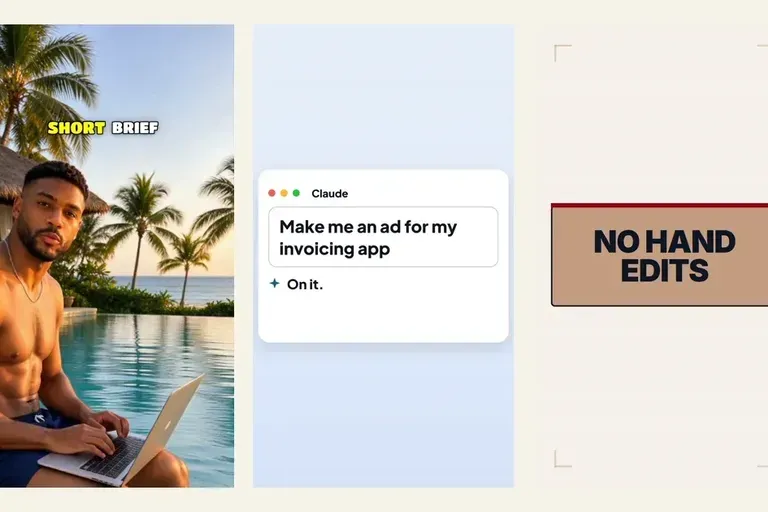
How to create a video ad with AI from one brief
How to create a video ad with AI where you approve every step: a short brief, a reel that took off, a beat plan, your notes, then the price before it runs.
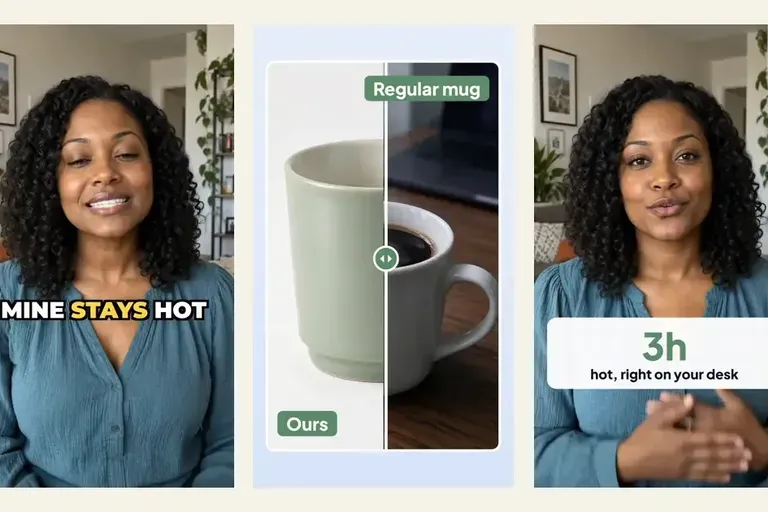
Put the product on screen in your AI UGC video ads
Most AI UGC video ads hand back a talking head and leave the product for an editor. Templates put a before-and-after, a number and an end card on the words that sell, in the same request.
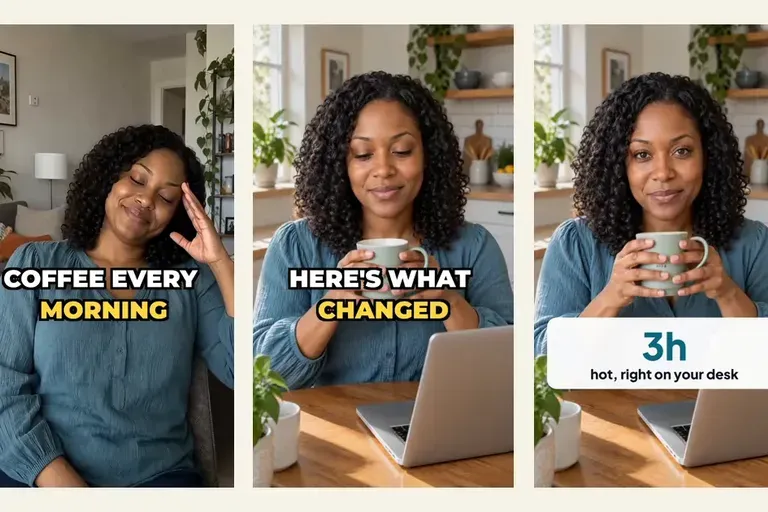
Make your AI UGC actor act, not just talk
An AI UGC ad where the actor only talks reads as generated. Live shots hand chosen words of your script to a take where the actor acts or shows your product.